

Blog

  • Standby Internet with Raspberry Pi

    Standby Internet with Raspberry Pi

    The search for an alternate source of internet began with an extended downtime on my regular internet connection. The internet folks at ACT fibernet somehow managed to find a switch replacement on their end, a problematic affair for > 3 days. That’s a topic for another day.

    We all know what complications one goes through without the internet, especially with the Covid 19 induced Work From Home’s. I had another problem steaming from my affliation with internet connected devices at home. The first internet connected bulb I bought was now rendered useless. Now, it so happened that the light was turned off (on the app, with the physical switch turned on), when my home internet went awry. Given the way these bulb’s function, I was unable to turn it on without first somehow connecting the bulb to the internet. Granted, the device could have been reset, but that defeat’s the grandeur of living with a smart blub.

    (more…)
  • A Log Analyzer with the ELK Stack, Nginx and Docker

    This post is about a log parser I quickly put together, with the help of the Elastic Search – Logstash – Kibana (ELK) stack and Docker.

    The ELK Stack, in undoubtedly a phenomenal solution for analyzing centralized logging. Logstash beautifully breaks down every detail in the log and takes care of pushing them into ElasticSearch, which is then displayed by Kibana as neat charts. 

    In this case, we configure Logstash to additionally generate geographic data, based on an IP address we have. We also have an Nginx instance, which then forwards incoming requests to Kibana. 

    (more…)

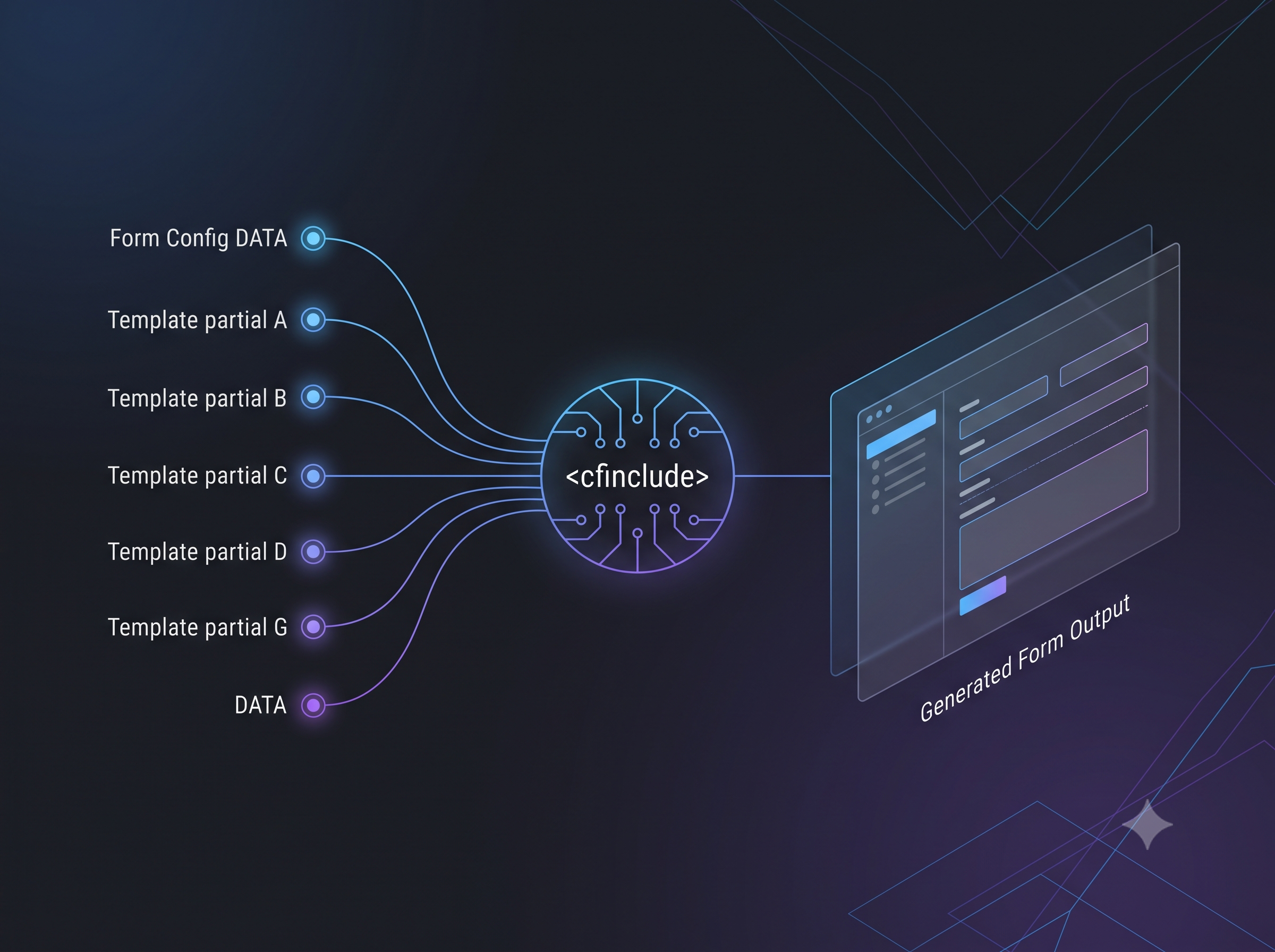
  • Dynamic Form Templates with CFInclude

    ColdFusion is a pretty powerful language when it comes to managing all your server / enterprise resources, but it is also useful to manipulate user interfaces.

    In this post, we speak about using the CFInclude tag to build intuitive user experiences.

    To start with, here is our problem. We had multiple pages in a website, and all of them were used to capture data. The issue was, none of the fields captured were finite. We had to capture (into a database) fields that were different across forms. Creating a table for each form was impractical – so it had to be into a single table. To reframe in a more technical wording, the problem is to insert key value pairs from multiple web forms, into a common database. A fairly simple problem, but the expectation was also to ensure a good user-experience. Here’s an illustration of how we went about solving it.

    (more…)
  • ColdFusion API Manager at CFSummit 2018

    At CFSummit 2018, I presented on how APIs are redefining how software is built today, and how the ColdFusion API Manager helps you with your API deployments and management.

    The session spoke about, why the APIs are the need of the hour in any enterprise environment that deals with large amounts of data, and are a necessity for communication across different technology stacks. But building applications that serve and consume APIs are only one part of the equation. Administering, maintaining and securing your APIs define the impact brought about by the API you built. The session demonstrated how one of the most simple, but the most performant API Managers out there, ColdFusion API Manager, improves your end-to-end API distribution workflows. The session also gave insights into configurations of API Manager that help you author more control over access to your APIs. Insights included on real-world use-cases on how organizations are already using ColdFusion API Manager in production to streamline information flow internally.

    Here’s the recording!

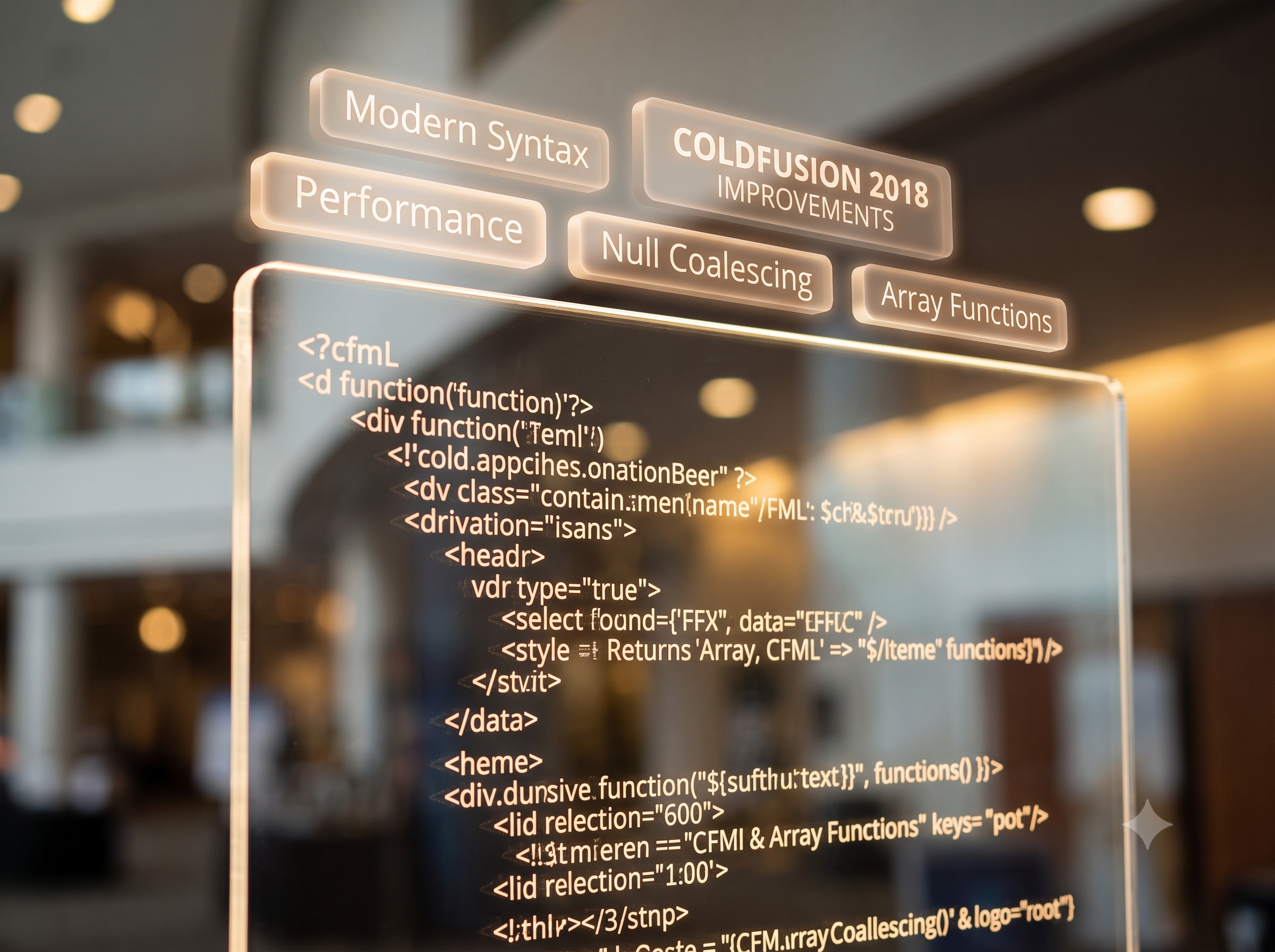
  • ColdFusion 2018 – Improvements on Arrays and Strings

    ColdFusion 2018 includes a host of new enhancements on Language. Language improvements have been considered based on use-cases that make more sense in today’s world, and while also taking into consideration all the bugs and enhancements logged by the community.

    Significant enhancements are Null Support – with ColdFusion now Null aware, working alongside other technologies such as JavaScript has become a whole lot easier. ColdFusion now preserves the date-type of your variables, and does away with the “guessing”. What this means is, ColdFusion does a better job primarily while interfacing with databases and while serializing / deserializing data.

    (more…)

  • Language improvements in ColdFusion 2018 at Adobe Immerse ’18

    Get insights into the language improvements in ColdFusion 2018, at the Adobe Immerse Webinar on June 12, 2018. I will be speaking about Null Support, Final variables, Abstract Methods, Data Type Preservation, Asynchronous Programming Constructs, and a host of improvements on Array.

    Here’s the session abstract.
    Learn how ColdFusion 2018’s new asynchronous programming constructs allow you to offload resource or I/O intensive functionalities in your application to improve performance. ColdFusion 2018 includes NULL support which makes it convenient to work with other technologies, when accepting or sending data to client side from ColdFusion. New features include default functions on interfaces and covariant return types. Join this session to walk through CFML code running on the latest ColdFusion 2018.

    Schedule sessions at the Adobe Immerse Site,
    https://immerse18.adobe-devs.adobeevents.com/sessions/

  • Exposing SOAP webservices through ColdFusion 2016 API Manager

    The latest version of ColdFusion bundled in an API Manager, allowing you to moderate publishing and access of your APIs. The API Manager acts as a proxy to existing REST and SOAP web-services.

    Just wrapped up an article on Adobe DevNet that speaks about exposing existing SOAP based web services. Have a look at the DevNet Article.

    Browse through the newest features available with the latest release of ColdFusion 2016 and ColdFusion API Manager 2016,
    http://www.adobe.com/devnet/coldfusion/article-index.html

  • Plink: Auto Accept HostKey’s

    Plink is a blessing if you are attempting to SSH to a remote machine and execute some scripts from an automated solution. It’s perfect for the scenario, except when it comes to hostkey acceptance.

    Plink, or for that matter any application used to connect to another machine remotely, require you to accept the Hostkey of the machine before you run some operation on it. In my case, I use Winscp to transfer some scripts onto a remote machine, and Plink to run those scripts. While the command line interface to Winscp allows you to auto accept hostkeys, Plink does not – and also refuses any such support, citing compromises as a reason. Assuming you are unperturbed by these compromises, this post points you to a workaround.

    Execute this,

    cmd.exe /c echo y | plink.exe -v ssh 192.168.1.10 -P 22 -l root -pw P@$$w0rd "/usr/local/python3.4 run.py -this script -does -something -AWESOME"

    – cmd.exe /c, ensures the following text is run as a command, and ensuring it is terminated when done
    – echo y, automatically output’s y when prompted, accepting the fetched hostkey

    The rest of command, executes a python script on a remote machine with plink.

  • ColdFusion WSConfig configuration backups

    ColdFusion 11 update 5 helps address a issue with connector reconfigurations, that could potentially leave you in the lurch. The update includes a workflow to backup your custom configurations while un-configuring ColdFusion from an IIS site or an Apache instance.

    Here’s a little more detailing about what the workflow does.

    On unconfiguring the connector on IIS, a directory backup gets created under the /CF/config/wsconfig directory, and houses directories which go by the names “1-1“, “1-2“, “2-1“, etc. Though these directories sound too cryptic, its easy to figure out what it stands for. You can consider the naming convention to be of the form <ORIGINAL CONFIGURATION DIRECTORY MAGIC NUMBER>-<INCREMENTAL NUMBER>. The incremental number exists to ensure older unconfigurations do not get overwritten.

    On unconfiguring the connector on Apache, everything said of the IIS hold true. Additionally, mod_jk.conf is also backed up. The mod_jk.conf file is created by ColdFusion, and tied to Apache’s httpd.conf when the connector is configured. The said configuration file houses mappings to connector files, CF specific handler mappings and virtual directories.

    And that, we hope, saves you from frustrations of re-tuning you connector configurations!

  • ColdFusion 11 Hotfix 5 and ColdFusion 10 Hotfix 16 are out!

    Hotfix 5 for ColdFusion 11, and Hotfix 16 for ColdFusion 10 are out, and fix close to 150 bugs collectively!

    Connector fixes for IIS are available for ColdFusion 11, and that would imply the need to reconfigure connectors if you are on a ColdFusion 11 configured with IIS. ColdFusion 11 also packs Apache 2.4.10 support. However, you would not need to reconfigure Apache connectors unless Apache 2.4.10 support is required.
    No connector reconfigurations are required for ColdFusion 10.

    Find the technotes below,
    ColdFusion 11 Update 5: https://helpx.adobe.com/coldfusion/kb/coldfusion-11-update-5.html
    ColdFusion 10 Update 6: https://helpx.adobe.com/coldfusion/kb/coldfusion-10-update-16.html

    More details are seen on the ColdFusion Blog.

    Appreciate your feedback!